Webhooks
Webhooks allow external services to be notified when events happen in Quor. This can be used to automate workflows or trigger actions outside the platform.
A common use case is being notified when a subscribed image is updated, so you can rebuild or redeploy workloads using the latest version. This helps avoid continuing to run outdated images even after vulnerabilities have been fixed.
How it works
When one of the selected events happens, Quor sends an HTTPS POST request with a JSON payload to the URL configured for the webhook.
Your server must:
- Listen on HTTPS (plain HTTP is not supported)
- Support TLS 1.2+
- Respond with a 2xx status within 5 seconds
- Be publicly reachable (internal/private IPs are rejected after DNS resolution)
Additional behavior:
- Deliveries are not retried automatically
- Only the first 10 KB of the response body is stored for debugging purposes. Non-text responses are not stored.
Supported events
Currently supported:
- Image updated — triggered when any version/tag of a subscribed image is updated.
Coming soon:
- New vulnerabilities
- New versions
- End of Life (EOL)
Creating a webhook
-
On Quor, navigate to Webhooks from the left sidebar.
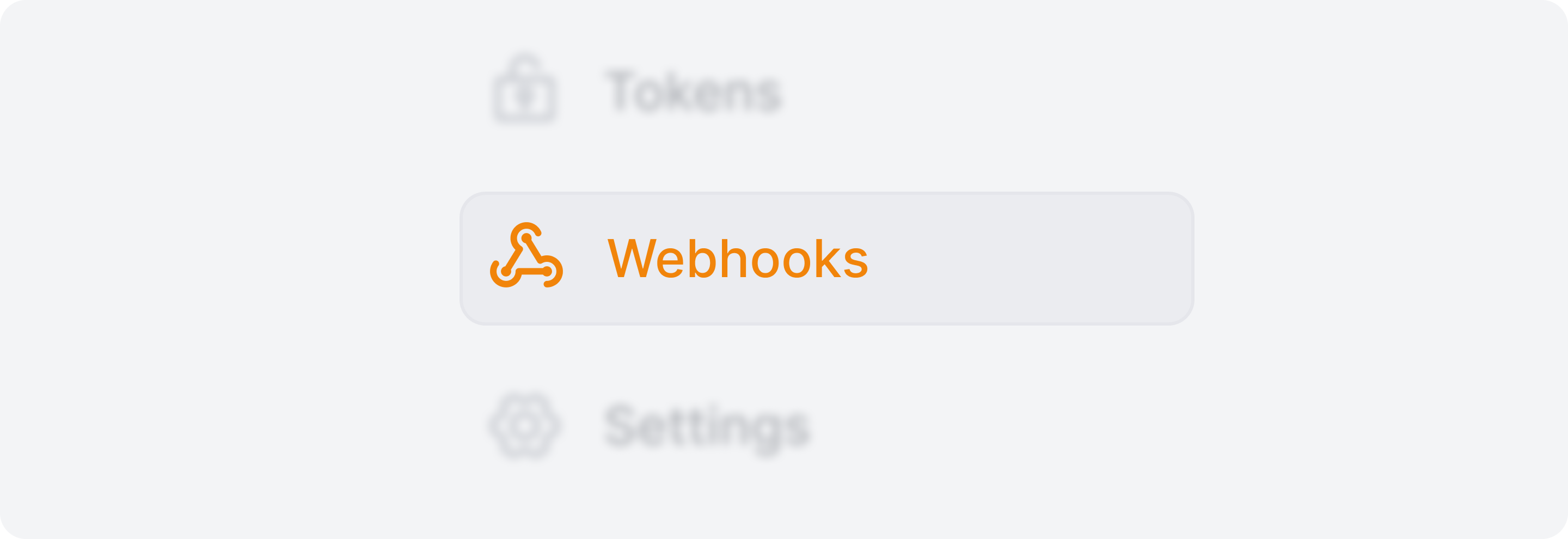
-
Click Add webhook.

-
Enter a name to help identify the webhook and a valid HTTPS URL
- Select which subscribed images and events should trigger the webhook.
Important
If All subscribed images is selected, images subscribed after the webhook is created will also be considered.
- Optionally click Test connection to validate the endpoint before saving.
- Create the webhook.
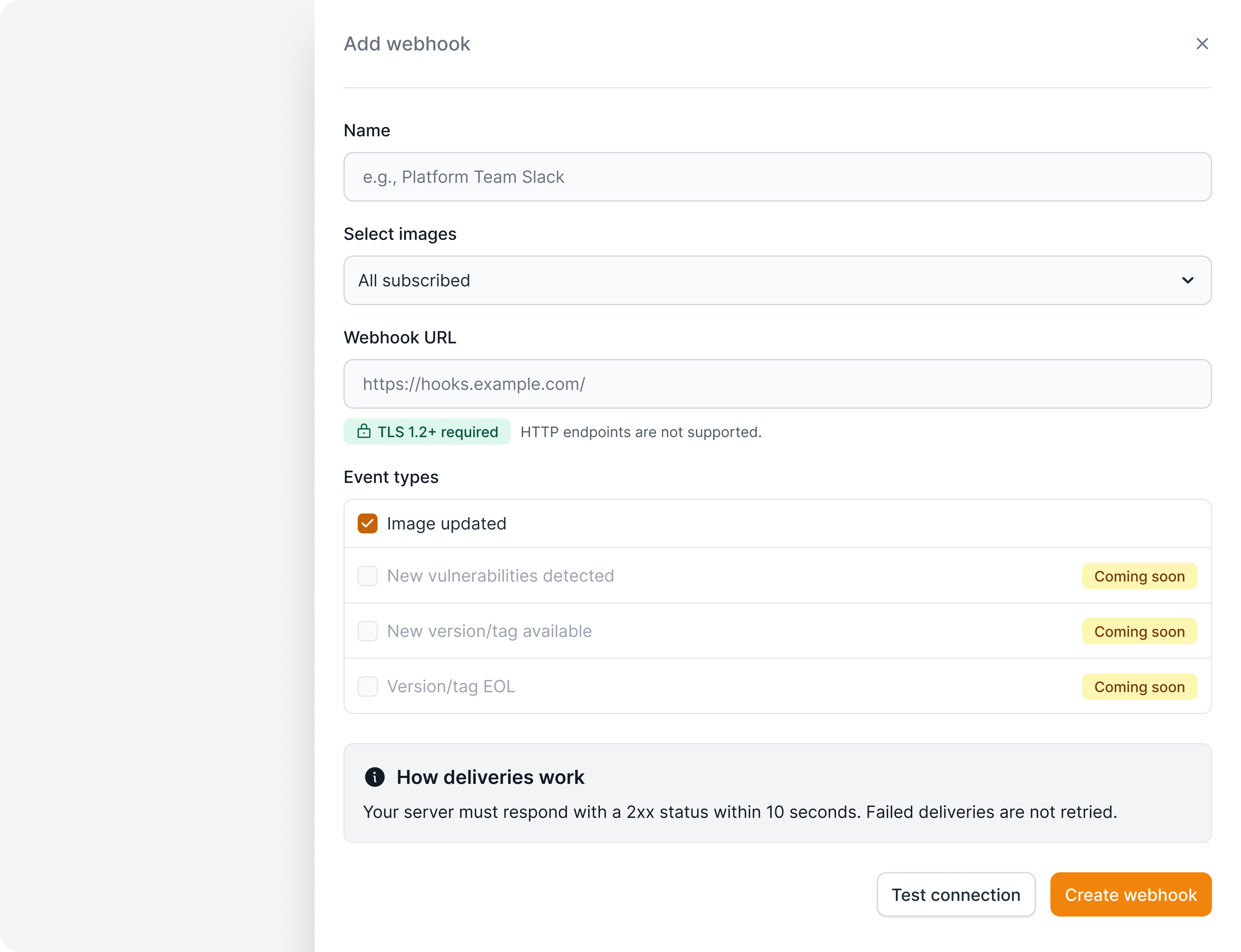
Once created, Quor will notify your endpoint whenever the selected events occur for the specified images.
Managing webhooks
All configured webhooks in your organization are listed in the Webhooks page.
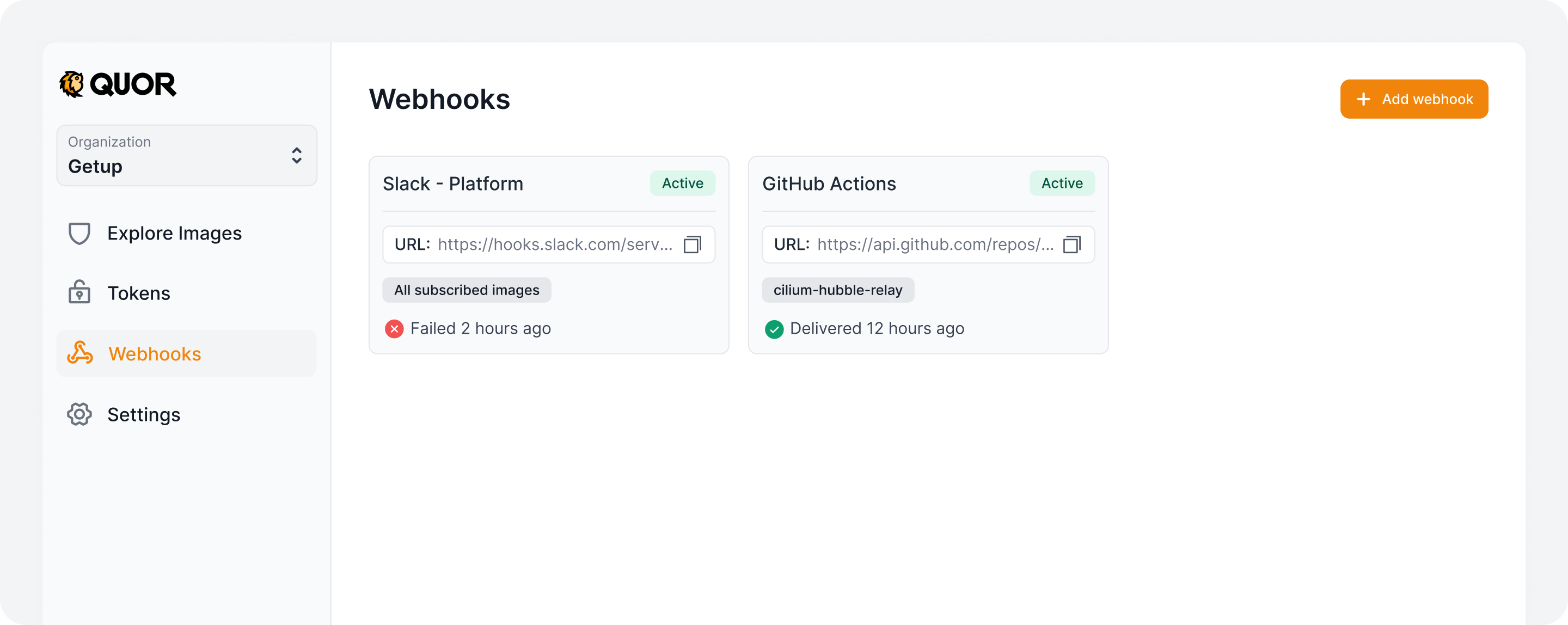
By opening a webhook, you can:
- Edit configuration
- Enable or disable deliveries
- Delete the webhook
- View recent deliveries
Listing deliveries
Recent deliveries are displayed at the bottom of the webhook details page.
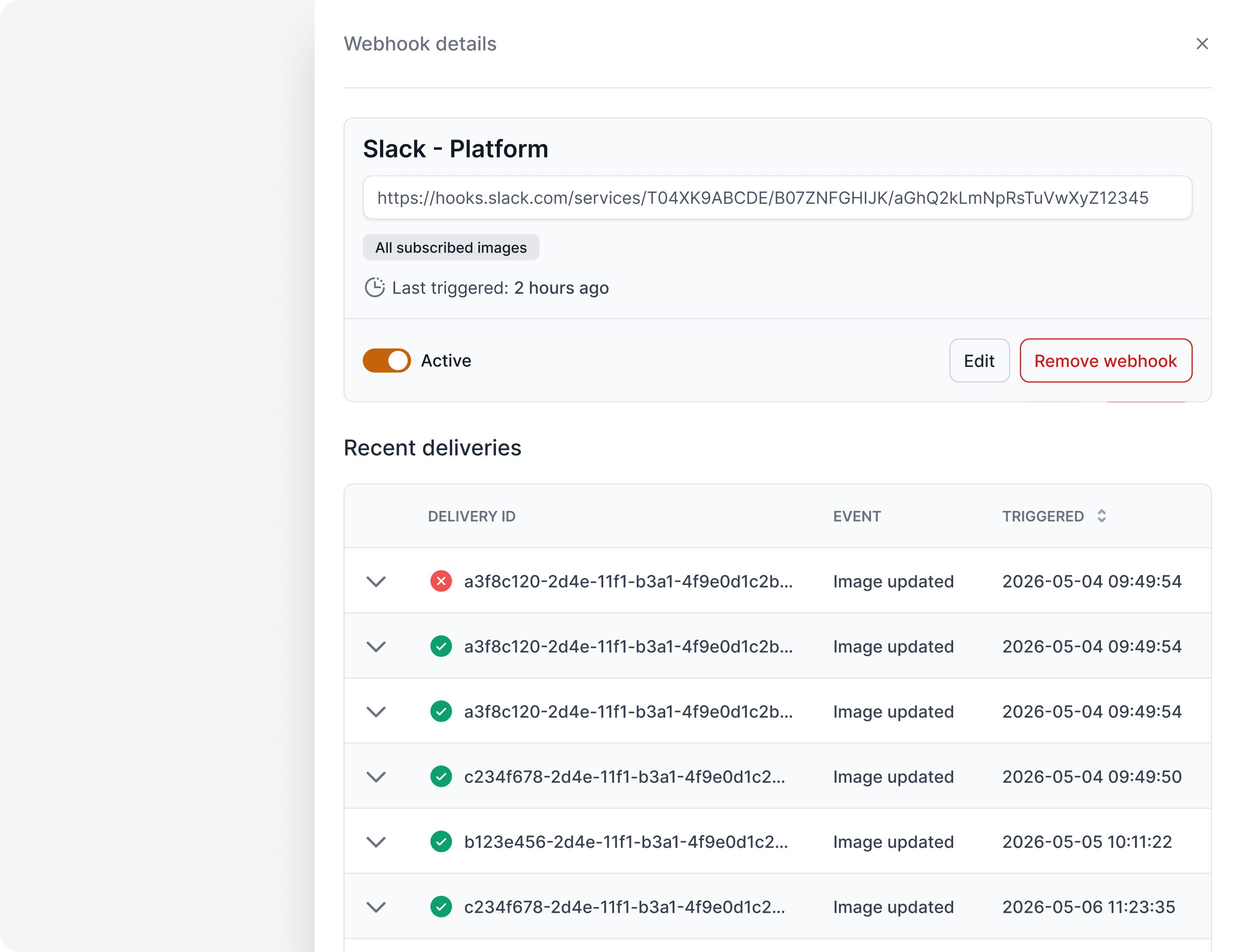
By opening a delivery, you can inspect the complete request and response information, including request and response details (body, headers, status).

Payload
The payload contains both the previous and current image digests, making it possible to identify changes at both the image index level and the architecture-specific manifest level.
{
  "registry": "registry.quor.dev",
  "image": "default/image",
  "tag": "1.2-alpine",
  "ui_url": "https://app.quor.dev/images/123/default/image/details",
  "digest": "sha256:843b9c5e4dd478148afceeb6a8f2b0797fe041dbf88b38954d345e2618162c36",
  "manifests": [
    {
      "architecture": "amd64",
      "digest": "sha256:0b98bc2ee3ff2010ff6c0042e27b254f6f3ad7590bb84d259f8a4483f57fb2ae"
    }
  ],
  "previous_digest": "sha256:ee25cd7ca070d8672563a17e030016ec2561cb7293008598b54eed85300d1a55",
  "previous_manifests": [
    {
      "architecture": "amd64",
      "digest": "sha256:e5b5f72a2b189a3292f78b8a3502e74ae8c5294946e62fcb5ee08e2b6e84adae"
    }
  ]
}
Availability
Webhook limits depend on your organization plan:
| Plan | Webhooks |
|---|---|
| Trial (14 days) | 1 |
| Free | 0 |
| Enterprise | Unlimited |